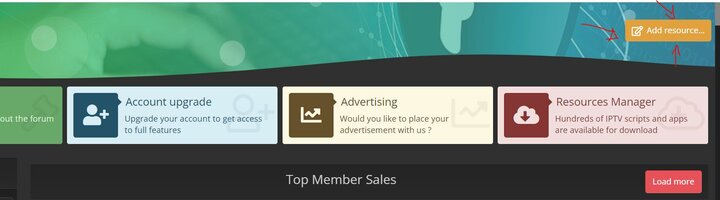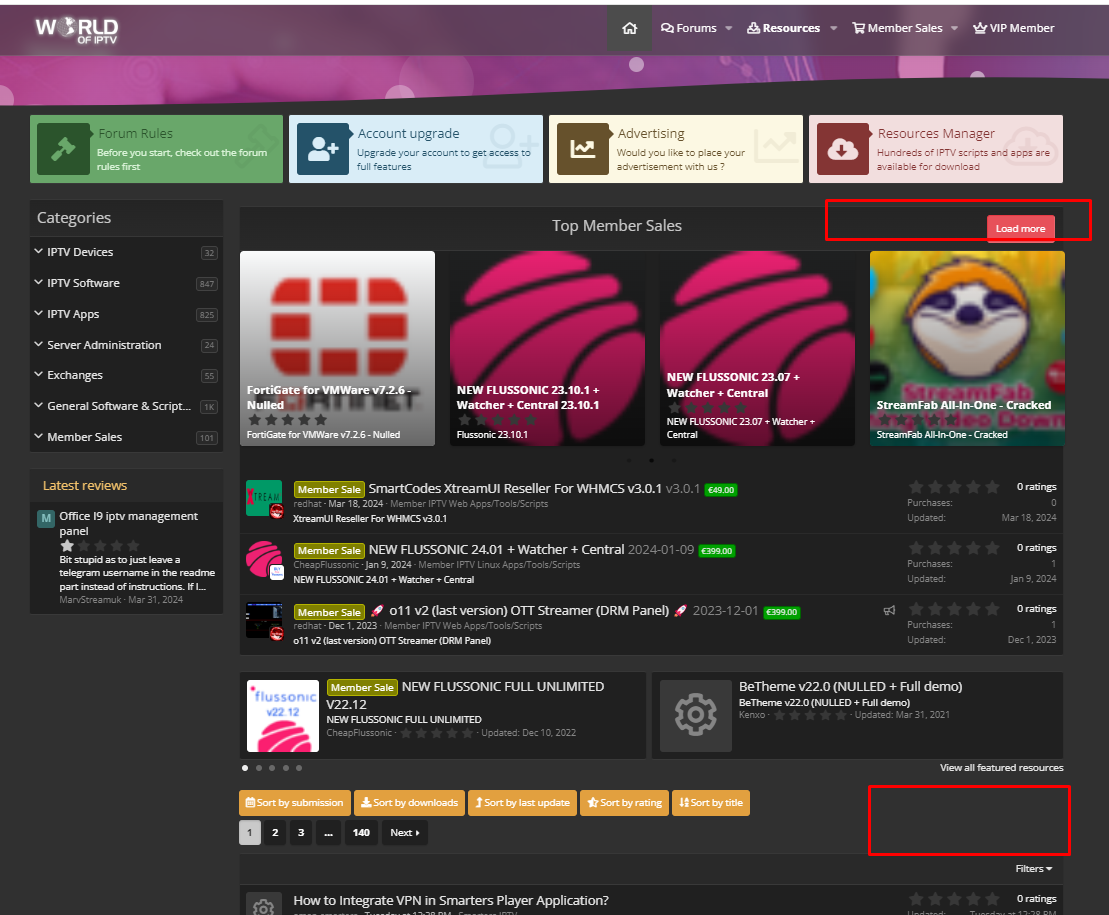


In this Tutorial you learn how to add a new download rescources in our new rescources manager
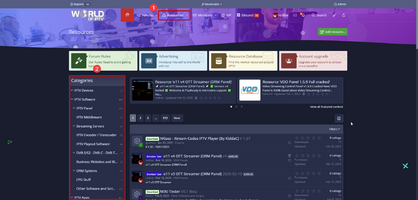
- Go to the Resource Manager
- Select the correct category for your resource
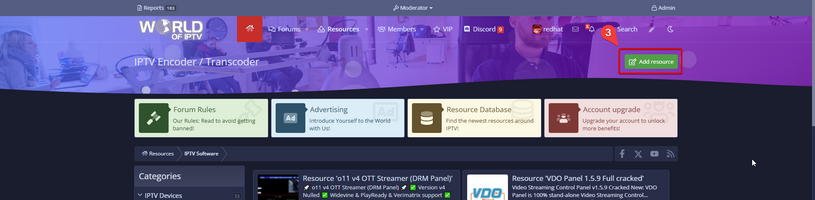
- Click the "Add Resource" Button
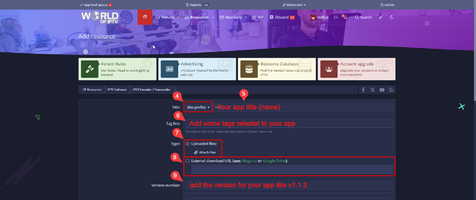
- Select the prefix for your app
- Add the title (name) of your app
- Add some tags which are related to your app
- If you want upload your resource to WOI Server, select the option "Uploaded files"
- If you want provide a external link as download source, select this option (Important: Use only Mega.nz or Google Drive, others are no longer accepted!)
- Add a version Number for your app (if nothing provided, the current date with be add)
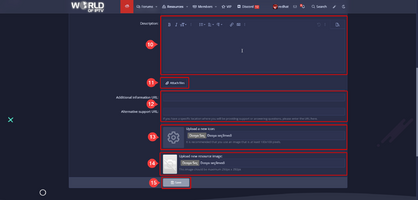
- Add a dedtailed description for your resource, you can user BB-Codes and add images as well
- DO NOT ATTACH here the resource file, this option is just for attaching additional files (this is optional)
- You can add here additonal information or support links (this values are optional)
- Upload a icon for your app (this values are optional, but strongy recommended)
- You can upload a image for your app (this values are optional, but strongy recommended)
- Don't forget to to save the resource!
Last edited: