
Welcome to World of IPTV

Join us now to get access to all our features. Once registered and logged in, you will be able to create topics, post replies to existing threads, give reputation to your fellow members, get your own private messenger, and so, so much more. It's also quick and totally free, so what are you waiting for?

Forum Rules

Our Rules: Read to avoid getting banned!

Advertising

Introduce Yourself to the World with Us!

Resource Database

Find the newest resources around IPTV!

Account upgrade

Upgrade your account to unlock more benefits!

Tutorial Newbie Tutorial - VERY EASY Installing and configuring XC 1.0.6 on Ubuntu

  • Thread starter Thread starter dsjocker
  • Start date Start date
Status
Not open for further replies.
D

dsjocker

Guest
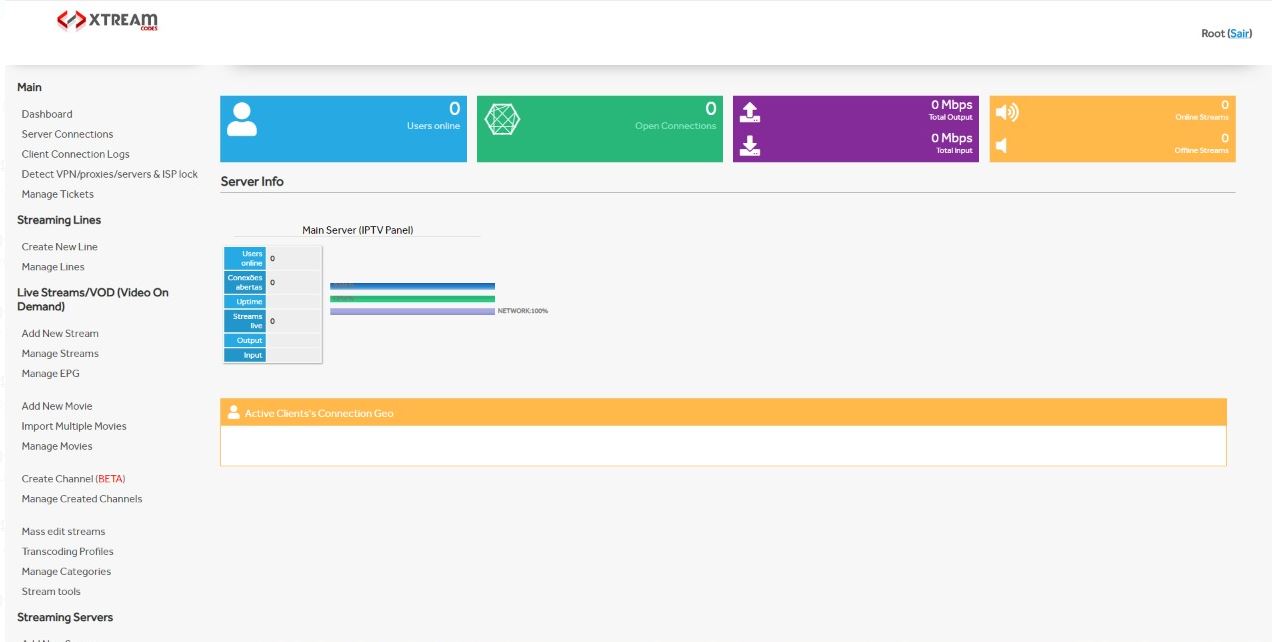
Hi guys, i've prepared this tutorial to help newbies that want to make his own panel.

You will get something like this:
2.JPG

1.jpg


First of all, have a VPS or dedicated server with Ubuntu 14. ONLY UBUNTU 14

Connect by SSH on your server (if you use windows try putty) and hit:


During instalation, you will be asked for passwords for mysql, for admin pannel account and others, use yours.
When asked by license, type:


If asked for xtreamcodes sudo password, just hit enter untill it proceed.

Once completed, you will can acess your panel by:

:PORT-YOU-CHOOSE

Now, go to "Manage Servers" menu and edit your main server.
In "Server IP", change that ip for your server ip.

That's it. Now you can explore your XC Panel, try Add New Movie, then Add New Bouquet with this movie and Create a New Line for test purposes.
You can test your line using VLC Player.

In VLC, hit Ctrl+N to open network stream tab, then enter the URL that your server create. Test quality and speed, enjoy!

Thanks everyone ❤
 
Last edited by a moderator:
Channels MatchTime Unblock CDN Offshore Server Contact
100 cnx / 90€ 5Gbps / 180€ 48CPU-256GRAM 10Gbps 569€ Skype live:giefsl
500 cnx / 350€ 10Gbps / 350€ 48CPU-128GRAM 5Gbps / 349€ TG @changcdn
1000 cnx / 500€ 20Gbps / 700€ 40CPU-128GRAM 20Gbps / €980 http://coronaserver.com
Channels MatchTime Unblock CDN Offshore Server Contact
100 cnx / 90€ 5Gbps / 180€ 48CPU-256GRAM 10Gbps 569€ Skype live:giefsl
500 cnx / 350€ 10Gbps / 350€ 48CPU-128GRAM 5Gbps / 349€ TG @changcdn
1000 cnx / 500€ 20Gbps / 700€ 40CPU-128GRAM 20Gbps / €980 http://coronaserver.com
Channels MatchTime Unblock CDN Offshore Server Contact
100 cnx / 90€ 5Gbps / 180€ 48CPU-256GRAM 10Gbps 569€ Skype live:giefsl
500 cnx / 350€ 10Gbps / 350€ 48CPU-128GRAM 5Gbps / 349€ TG @changcdn
1000 cnx / 500€ 20Gbps / 700€ 40CPU-128GRAM 20Gbps / €980 http://coronaserver.com
Tried this on Ubuntu 16.04. It's not working.

Getting below errors

Failed to restart apache2.service: Unit apache2.service not found.
./install.sh: line 75: php: command not found
chown: invalid user: ‘xtreamcodes:xtreamcodes’
./install.sh: line 86: python: command not found
Total install Runtime =
 
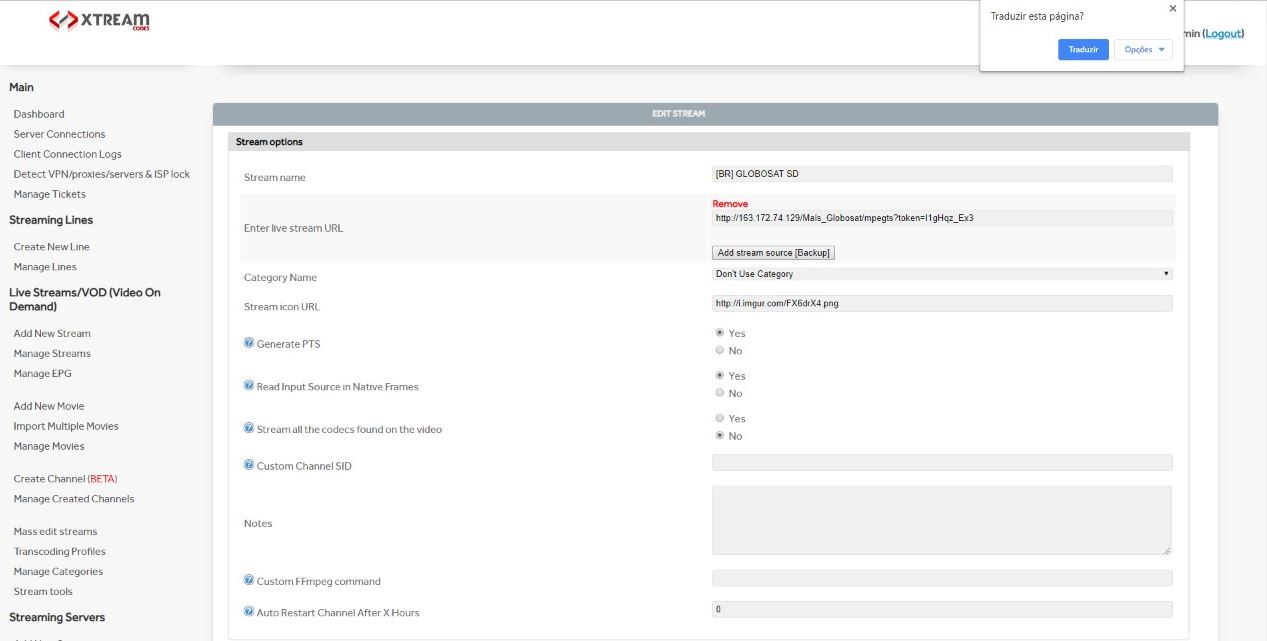
Hi guys, i've prepared this tutorial to help newbies that want to make his own panel.

You will get something like this:
2.JPG

1.jpg


First of all, have a VPS or dedicated server with Ubuntu. Preferably Ubuntu 14.

Connect by SSH on your server (if you use windows try putty) and hit:

No quote

During instalation, you will be asked for passwords for mysql, for admin pannel account and others, use yours.
When asked by license, type:

No quote

If asked for xtreamcodes sudo password, just hit enter untill it proceed.

Once completed, you will can acess your panel by:

:PORT-YOU-CHOOSE

Now, go to "Manage Servers" menu and edit your main server.
In "Server IP", change that ip for your server ip.

That's it. Now you can explore your XC Panel, try Add New Movie, then Add New Bouquet with this movie and Create a New Line for test purposes.
You can test your line using VLC Player.

In VLC, hit Ctrl+N to open network stream tab, then enter the URL that your server create. Test quality and speed, enjoy!

Thanks everyone ❤
Very good , jop man !!!
 
Channels MatchTime Unblock CDN Offshore Server Contact
100 cnx / 90€ 5Gbps / 180€ 48CPU-256GRAM 10Gbps 569€ Skype live:giefsl
500 cnx / 350€ 10Gbps / 350€ 48CPU-128GRAM 5Gbps / 349€ TG @changcdn
1000 cnx / 500€ 20Gbps / 700€ 40CPU-128GRAM 20Gbps / €980 http://coronaserver.com
Hi url work not ...
 
Hi url work not ...
 
Channels MatchTime Unblock CDN Offshore Server Contact
100 cnx / 90€ 5Gbps / 180€ 48CPU-256GRAM 10Gbps 569€ Skype live:giefsl
500 cnx / 350€ 10Gbps / 350€ 48CPU-128GRAM 5Gbps / 349€ TG @changcdn
1000 cnx / 500€ 20Gbps / 700€ 40CPU-128GRAM 20Gbps / €980 http://coronaserver.com
Status
Not open for further replies.
shape1
shape2
shape3
shape4
shape5
shape6
Back
Top












