
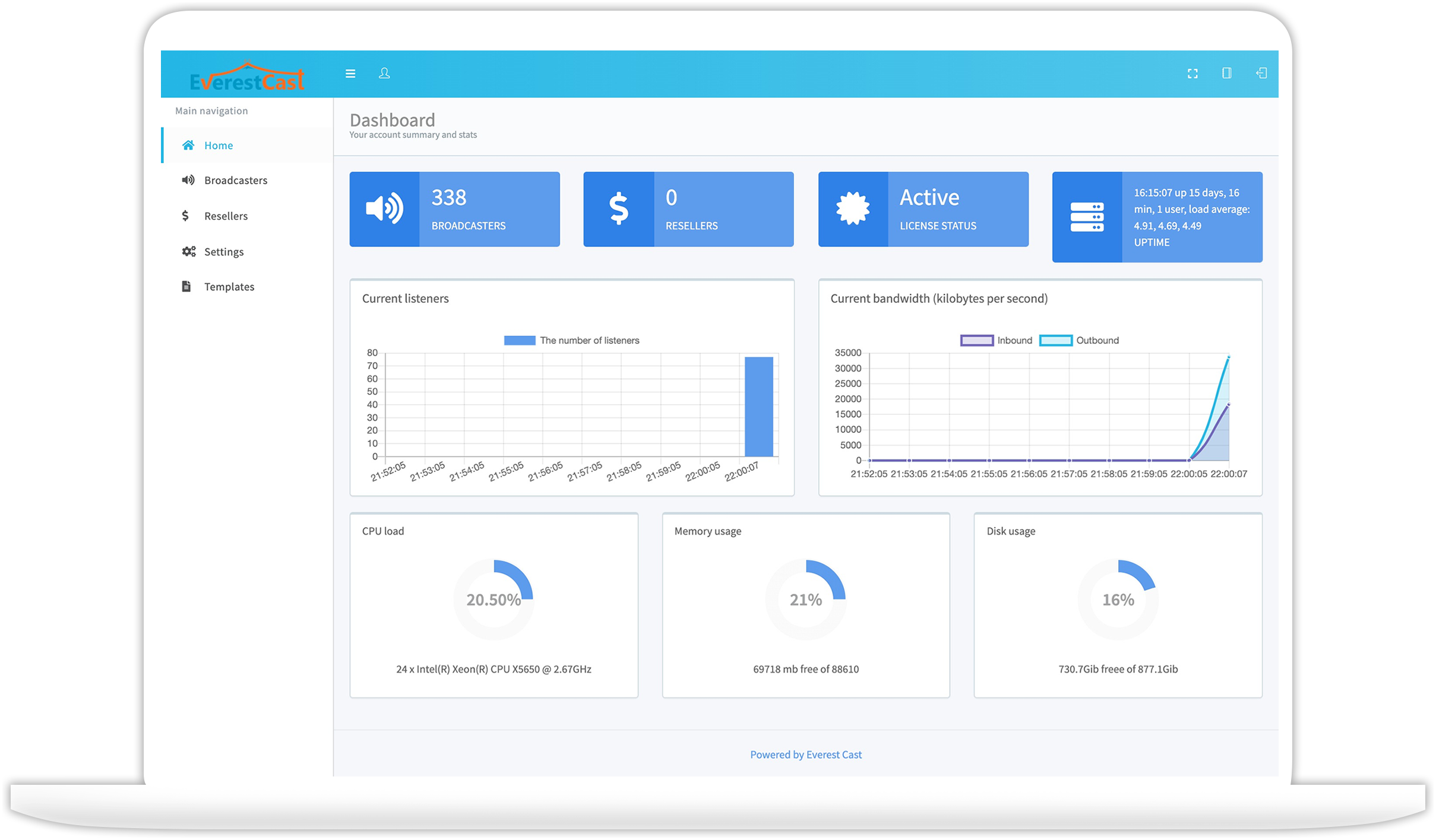
Everest Cast Pro is 100% stand-alone Audio Streaming Control Panel. It does not require a license key. Can be used immediately after installation. Supported OS: CentOS 7 and Ubuntu 20.04 LTS
Features for Broadcasters
- Rich Media Management
- Advanced DJ Manager
- Advanced Playlists Scheduler
- Drag & Drop File Uploader
- Facebook & YouTube Live
- Multi-Bitrate Streaming
- Powerful Playlist Manager
- Website Integration Widgets
- Song Request Widget
- Port 80 Proxying
- External Schedules
- Crossfade
- Web Player Generator
- Radio Relays
- Detailed Analytics And Reports
- HTTPS Streaming
- FTP Wizard
- Multi-Channel From Single Source
- Playing Of An External Files
- Listeners Map
- Player Links
- Multiple Stations In One Account
- Multiple Encoder Types
- Tune In Radio Support
Installing Everest Cast on a fresh CentOS 7 or Ubuntu 20.04 LTS server with no other control panels installed.
If a web hosting control panel (CPanel, Plesk, etc.) is installed on your server then this default installation will not work for you.
Recommended System: CentOS 7 or Ubuntu 20.04 LTS
Minimum VPS/Dedicated Server Requirement : 1 Core CPU, 1 GB RAM & HDD As per your Need
Login to your server via SSH
root login is a requirement, the installation will not function if you are not logged in as root or have sufficient sudo privileges.
Run the following command:
./install.sh
Setup will now guide you through the installation process.
Author Website: https://everestcast.pro
Whmcs support:
WHMCS Provisioning Module for Everest Cast Pro







